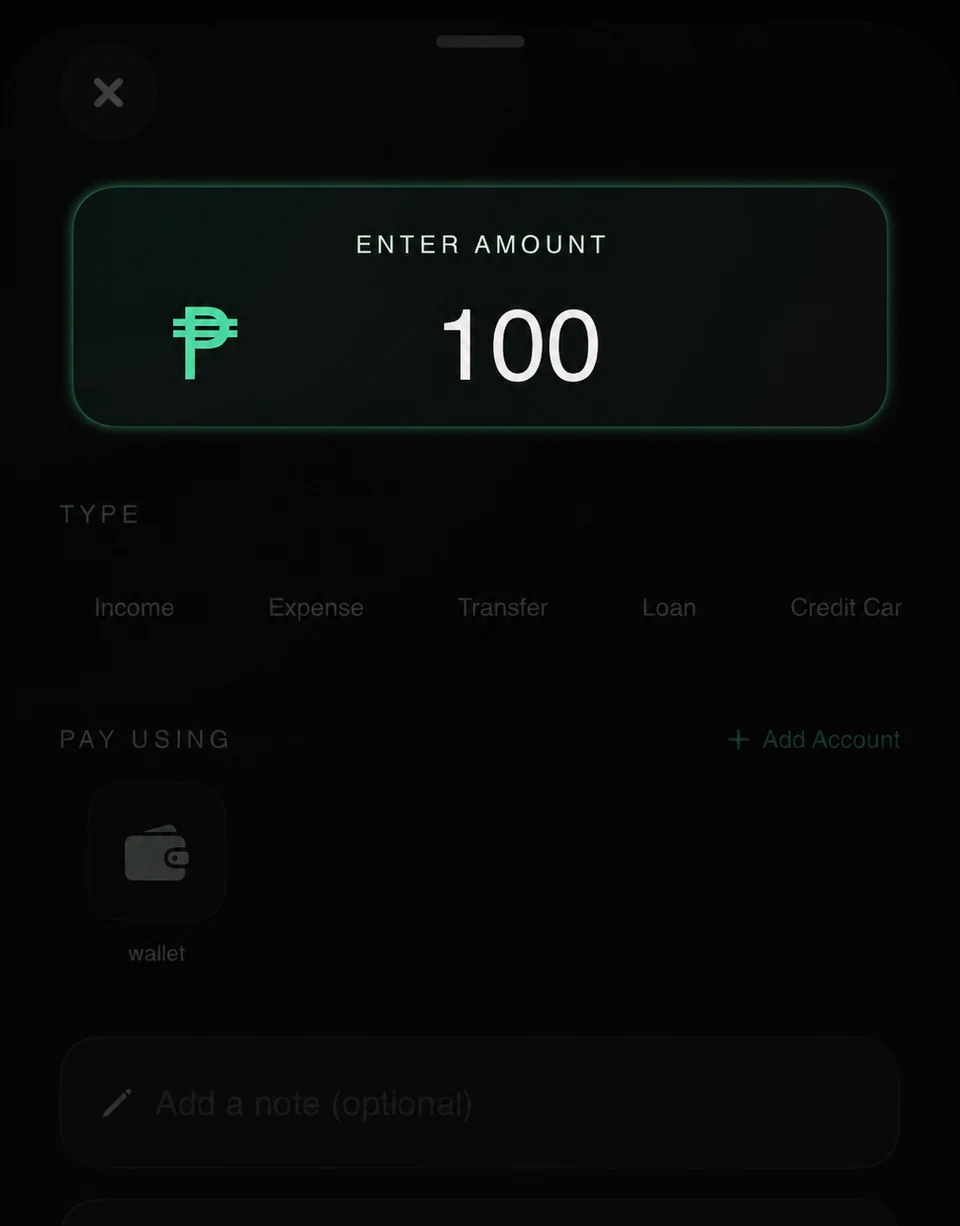
01 / Add a transaction
Capture the details while they’re fresh.
Record expenses, income, and transfers with the details you need.
Follow the 7-step guide →Private money tracking
Log what you spend, see where it goes, and keep your accounts and budgets in view. Build a money routine that fits your day.
Built for iPhone. Your finance data stays local unless you choose to export or back it up.

See how it works
See what to do, then follow the full guide at your own pace.
01 / Add a transaction
Record expenses, income, and transfers with the details you need.
Follow the 7-step guide →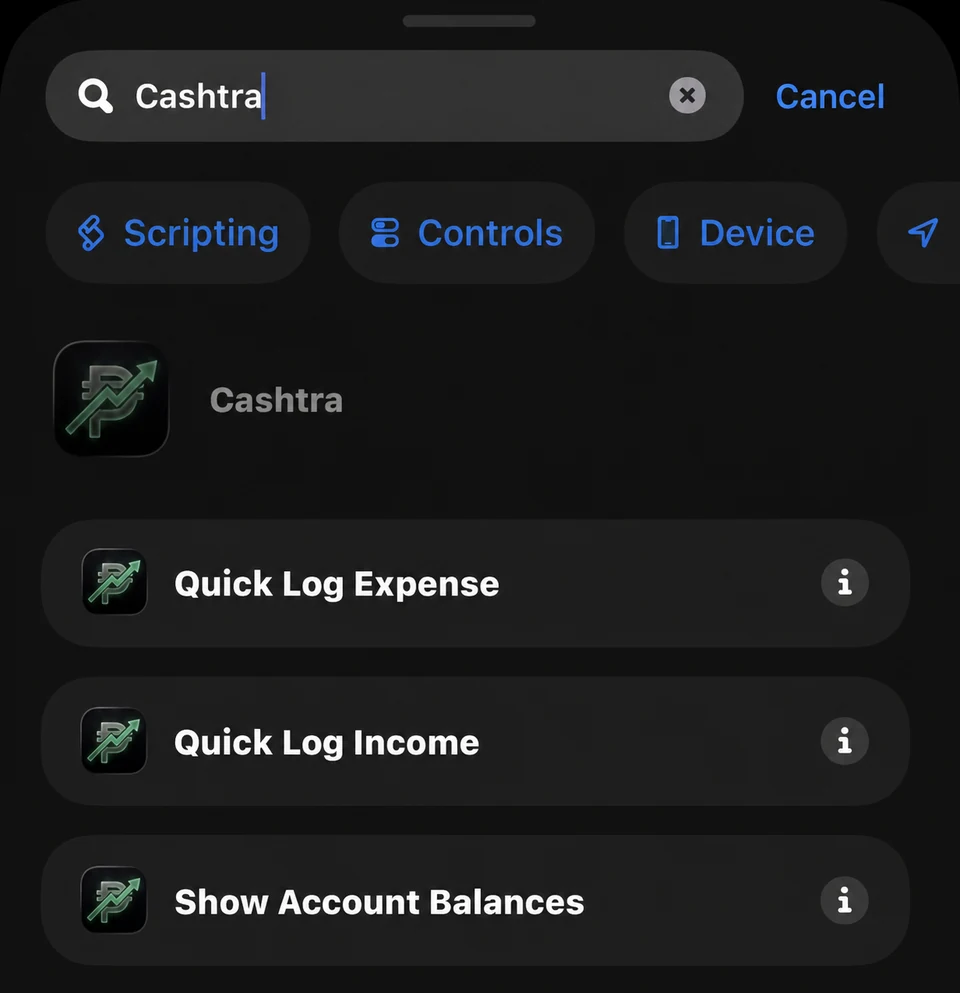
02 / Use Quick Log
Create Cashtra shortcuts for faster everyday logging.
Follow the 5-step guide →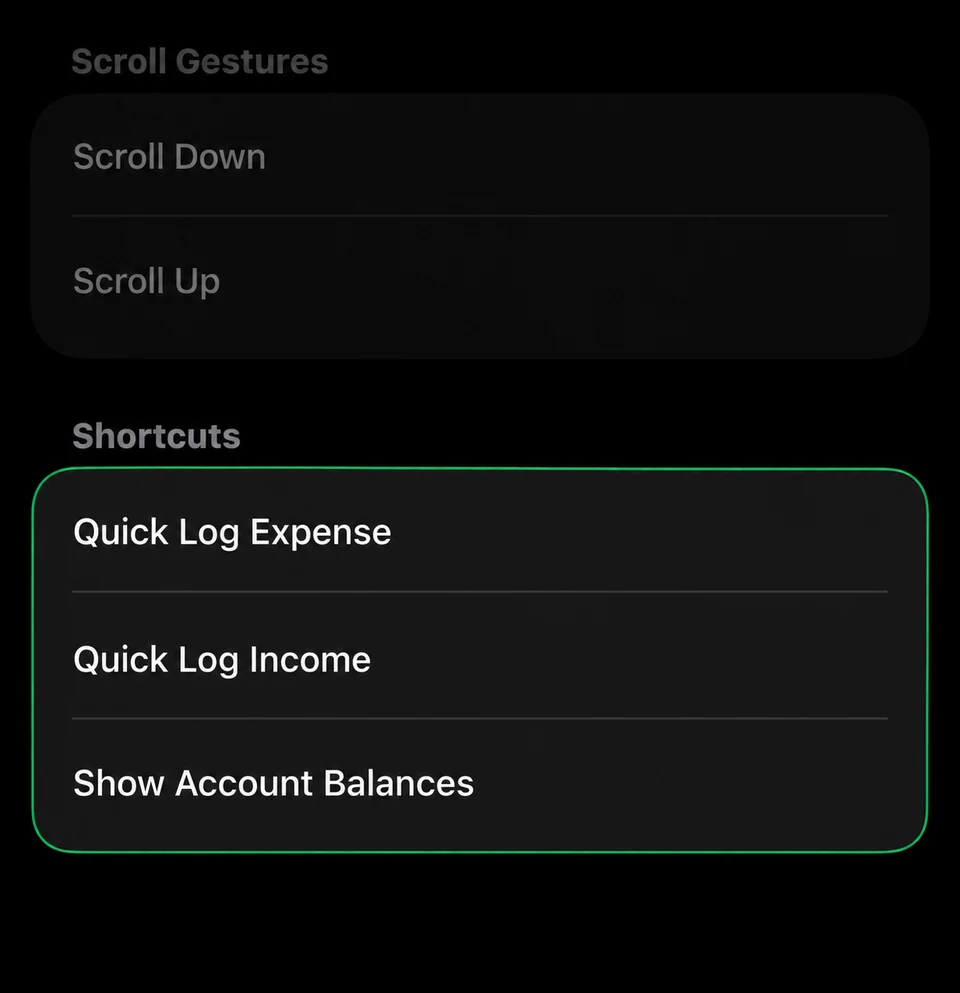
03 / Use Back Tap
Launch a Cashtra shortcut with a tap on the back of your iPhone.
Follow the 7-step guide →Accounts, budgets, Apple Pay, backups, and more.


Designed for fast daily tracking and a clear view of where your cash goes.
Add income, expenses, transfers, loans, and credit card activity with categories, accounts, notes, and dates.
Track wallet, bank, and money app balances while monitoring savings goals and progress over time.
Review spending trends, category budgets, weekly summaries, net savings, and debt balances in one dashboard.
Keep your finance data local, protect the app with lock settings, and move your records when you need them.