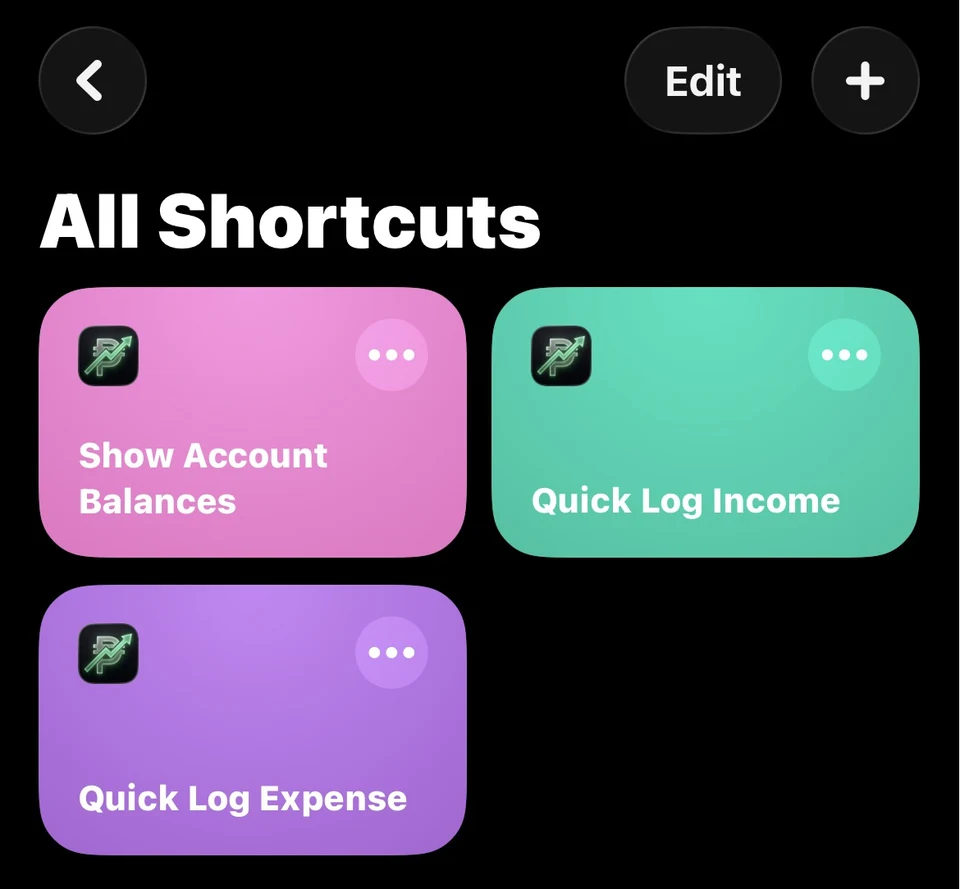
← All tutorials
Shortcuts · 5 steps
Use Quick Log
Create Cashtra shortcuts for faster everyday logging.
Select any screenshot to view it at full size.
-
Step 01
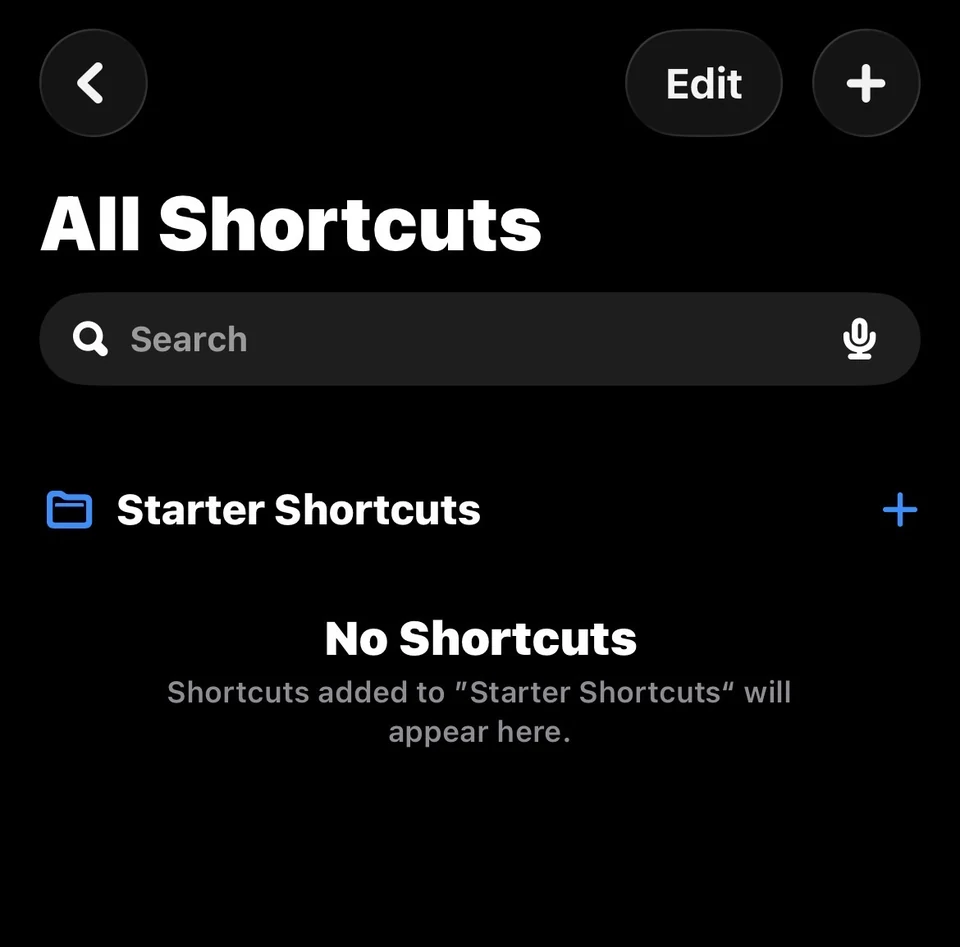
Open the Shortcuts app.
-
Step 02
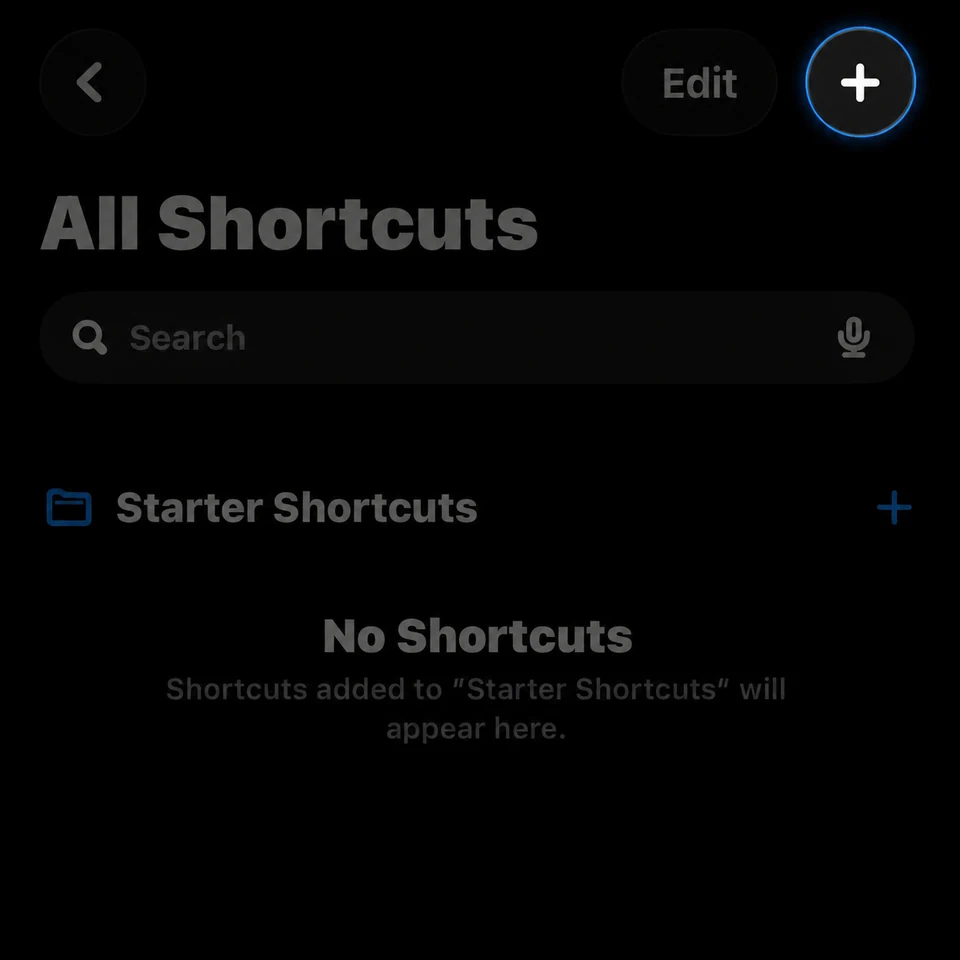
Tap the + button in the top-right corner.
-
Step 03
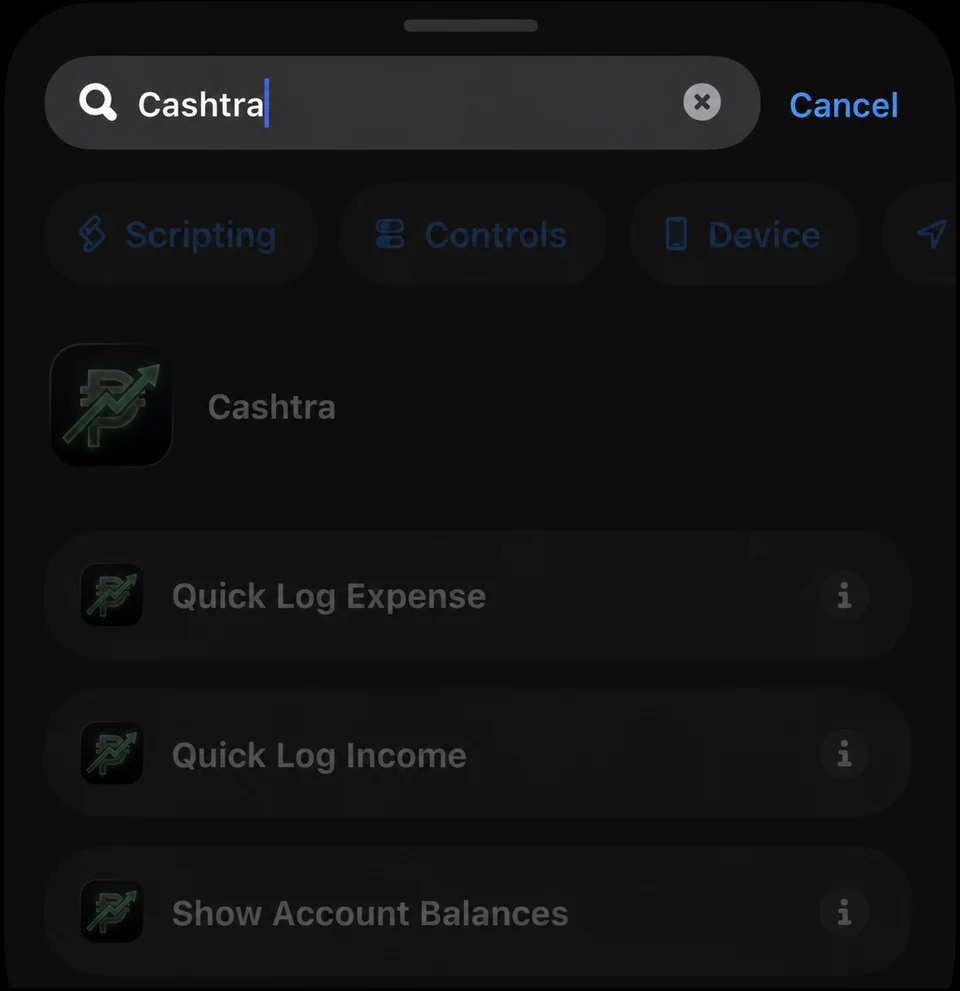
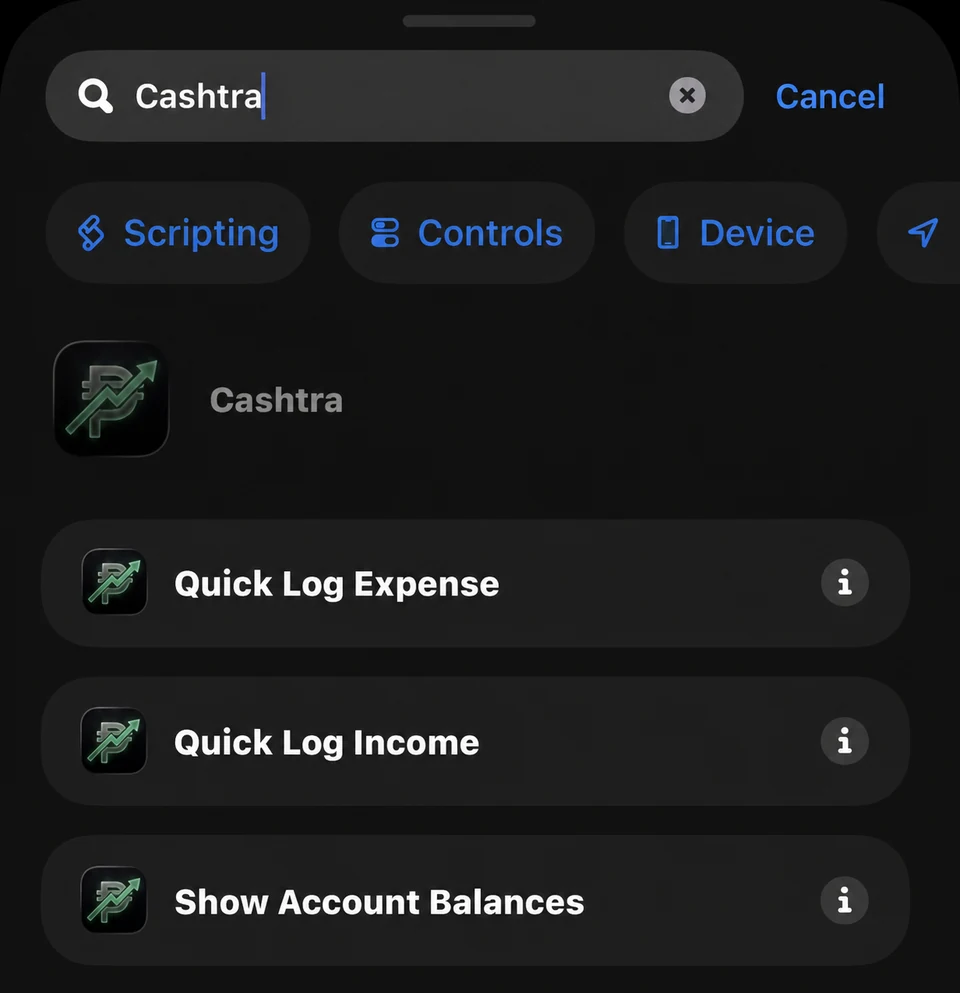
Search for Cashtra.
-
Step 04
Select Log Expense.
-
Step 05
Repeat the process for Log Income and Account Balances, then you are all set.