← All tutorials
Everyday tracking · 7 steps
Add a transaction
Record expenses, income, and transfers with the details you need.
Select any screenshot to view it at full size.
-
Step 01
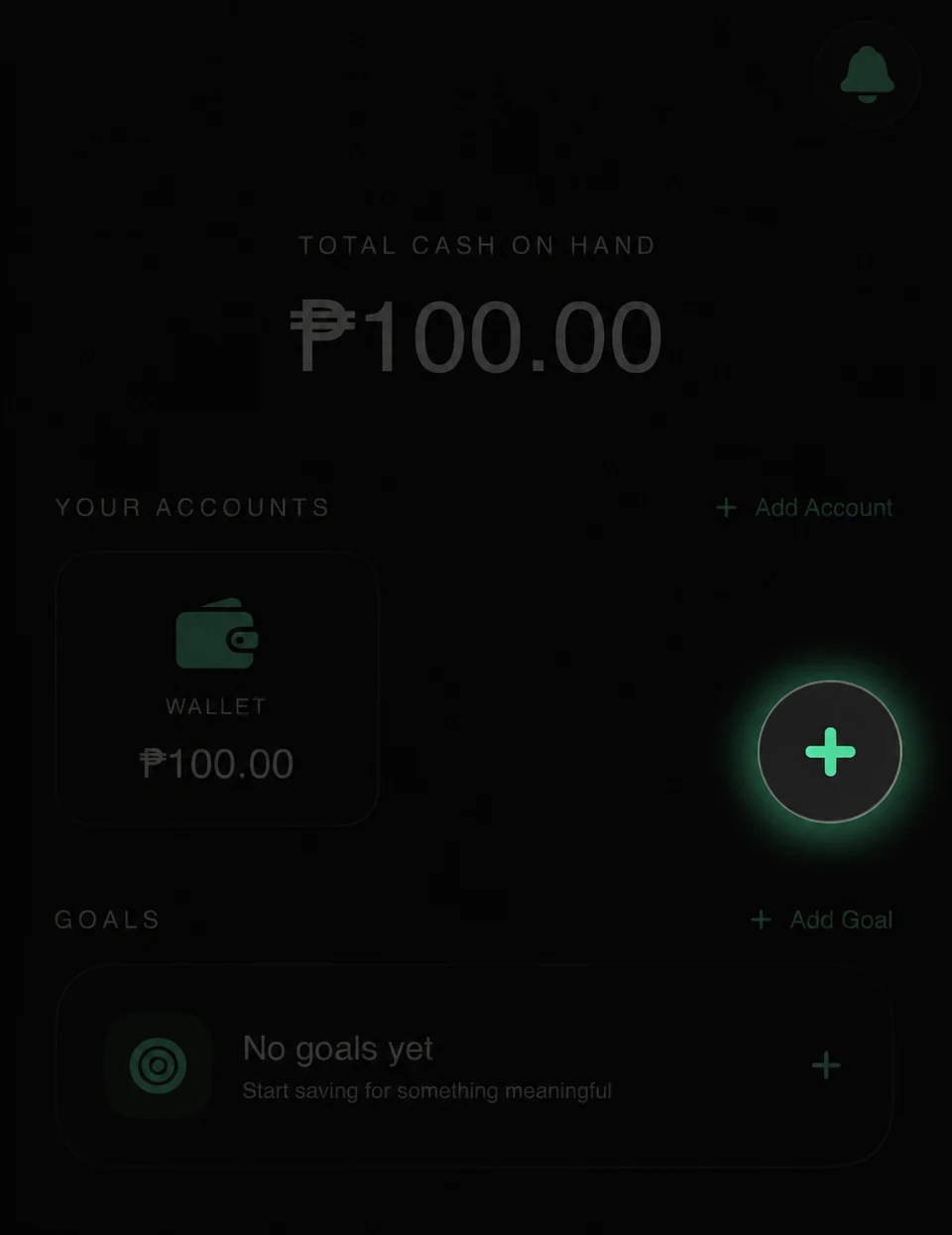
Long press the floating + button to open the full transaction form. A short tap opens Quick Log instead.
-
Step 02
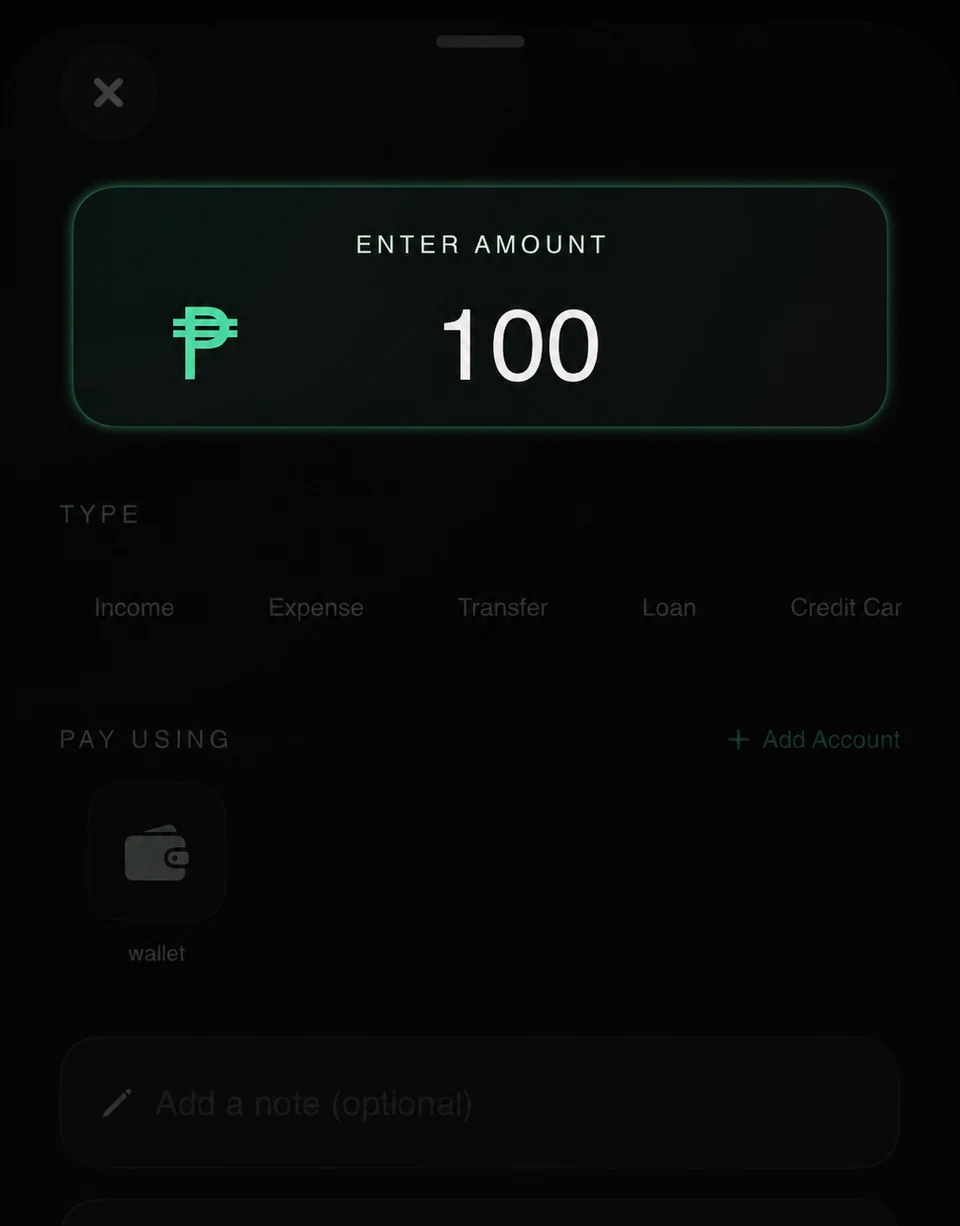
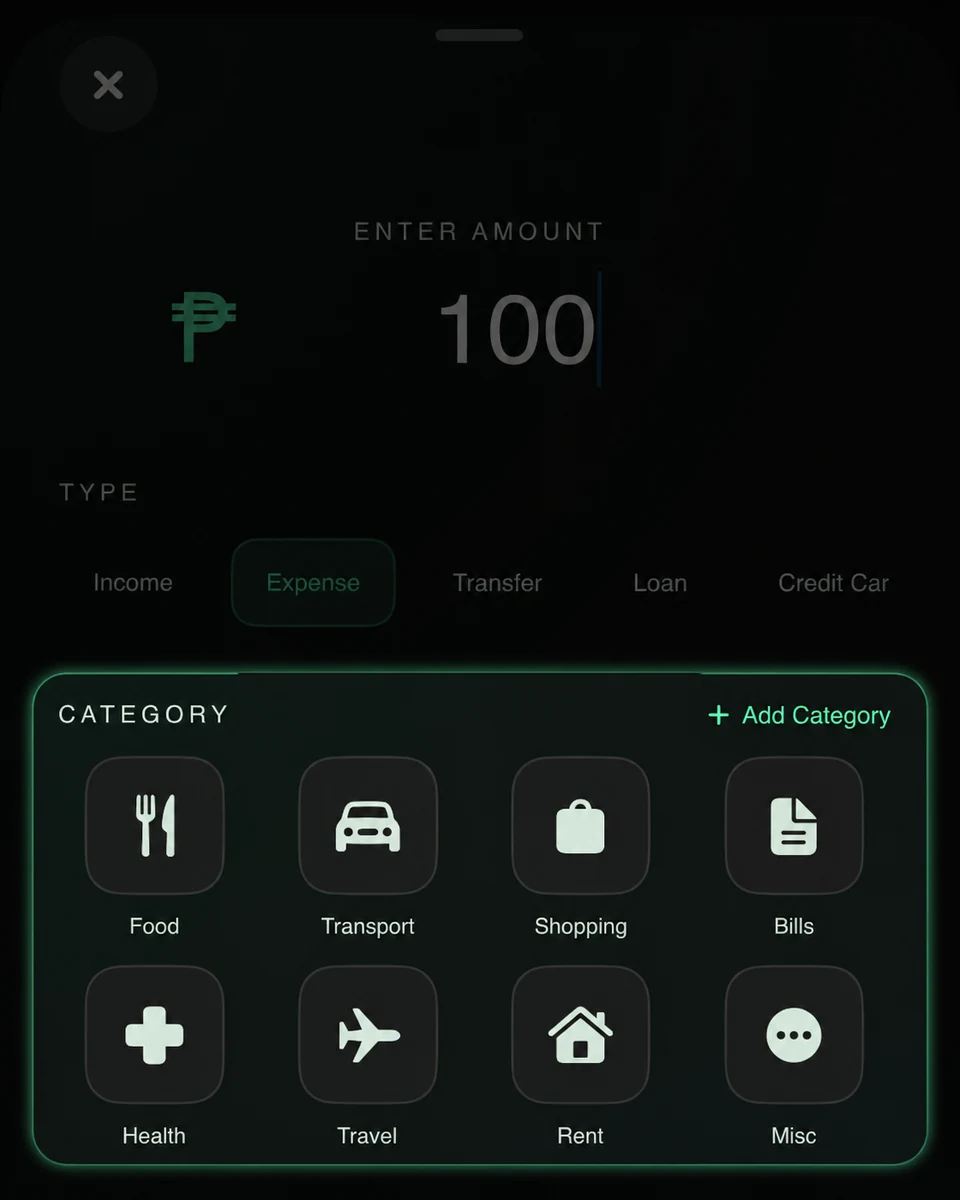
Enter the transaction amount.
-
Step 03
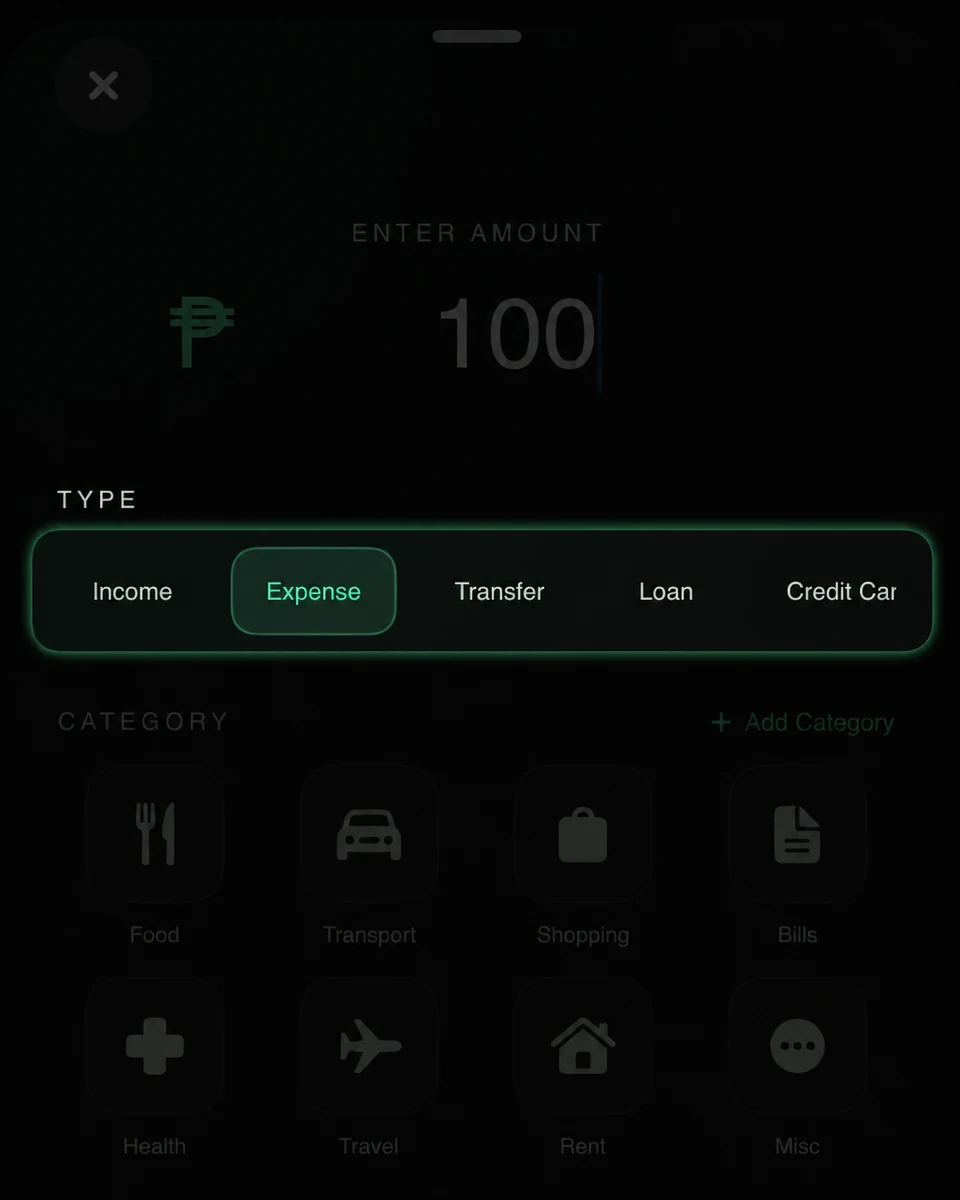
Choose the transaction type.
-
Step 04
Choose a category.
-
Step 05
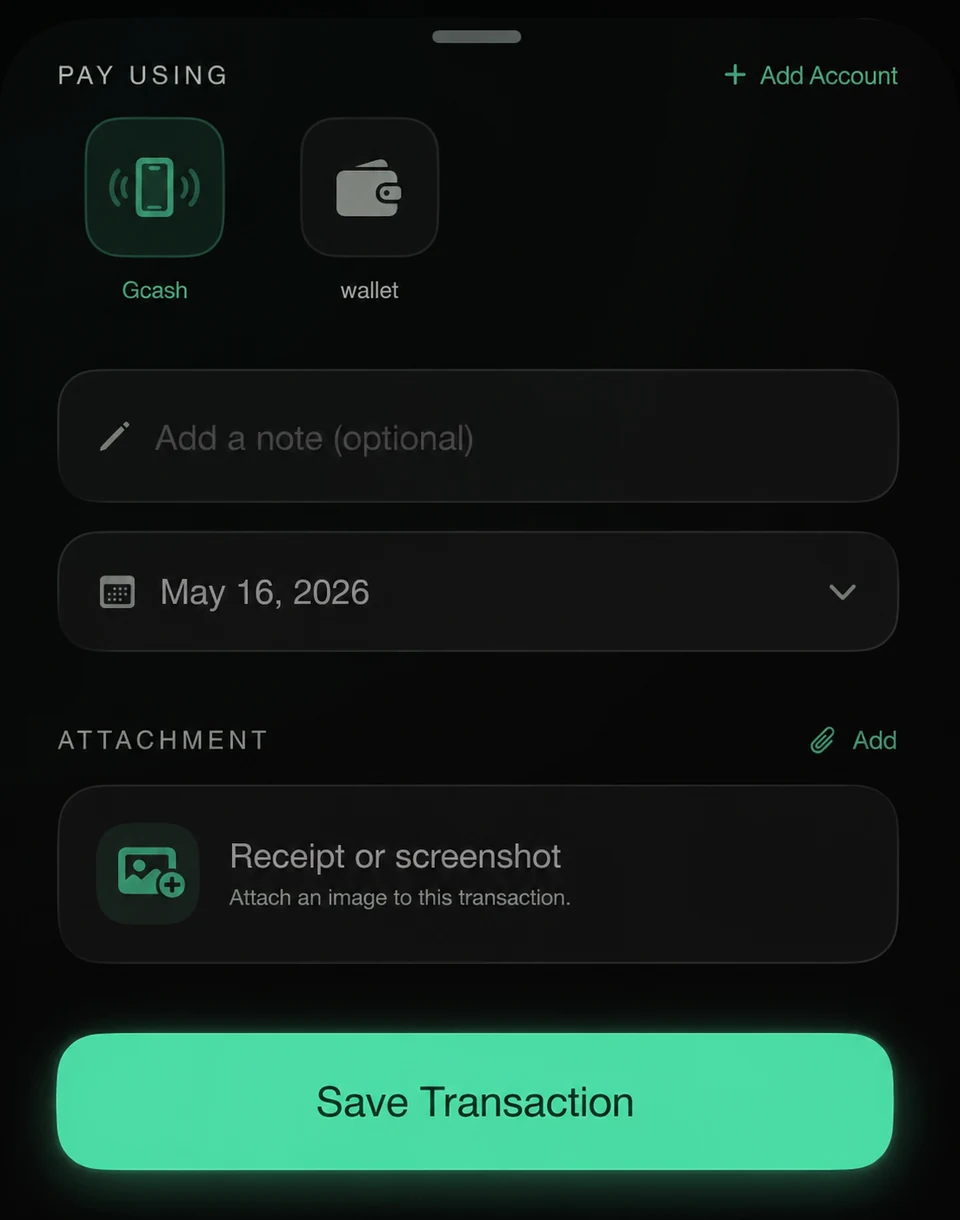
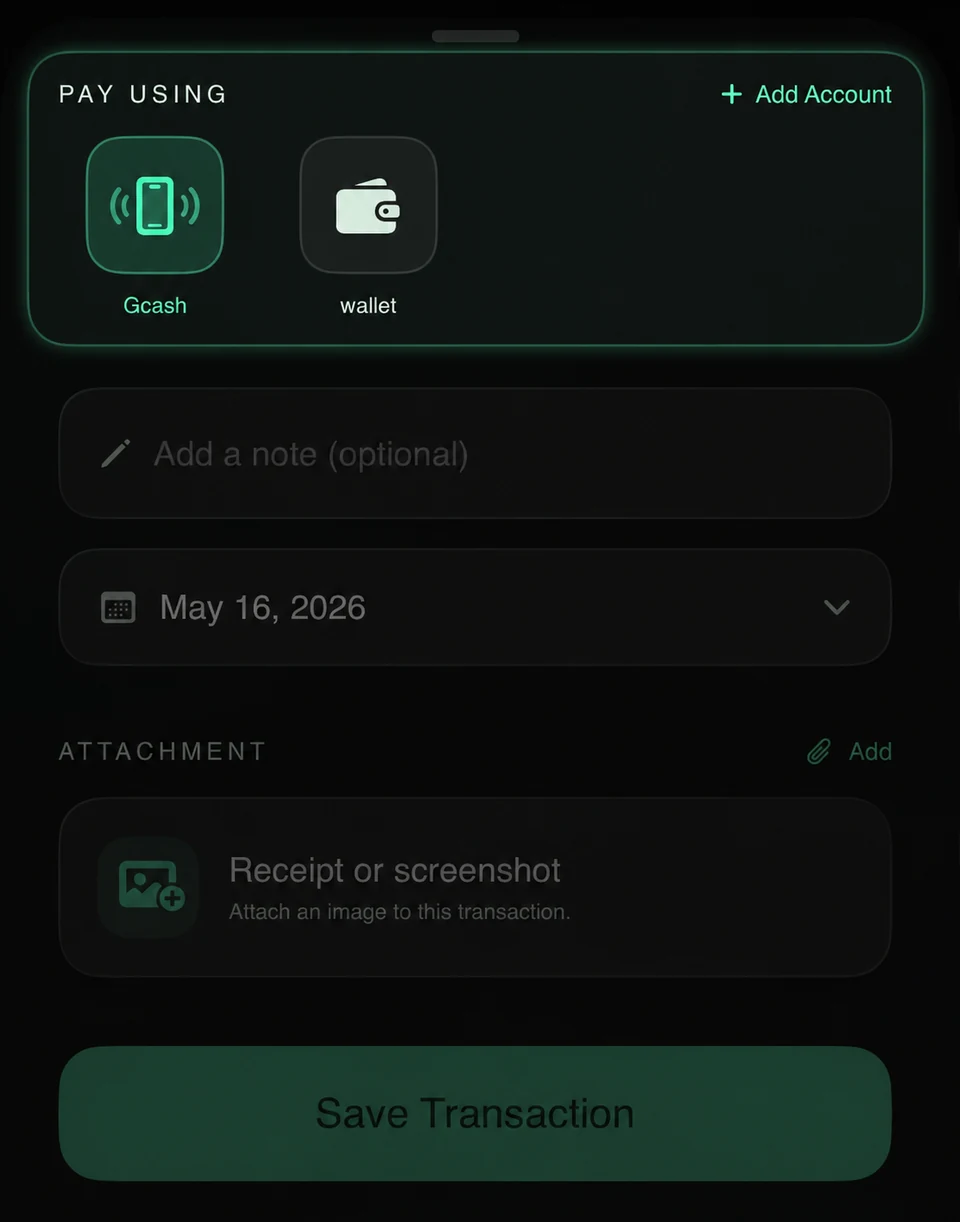
Choose the payment method or account.
-
Step 06
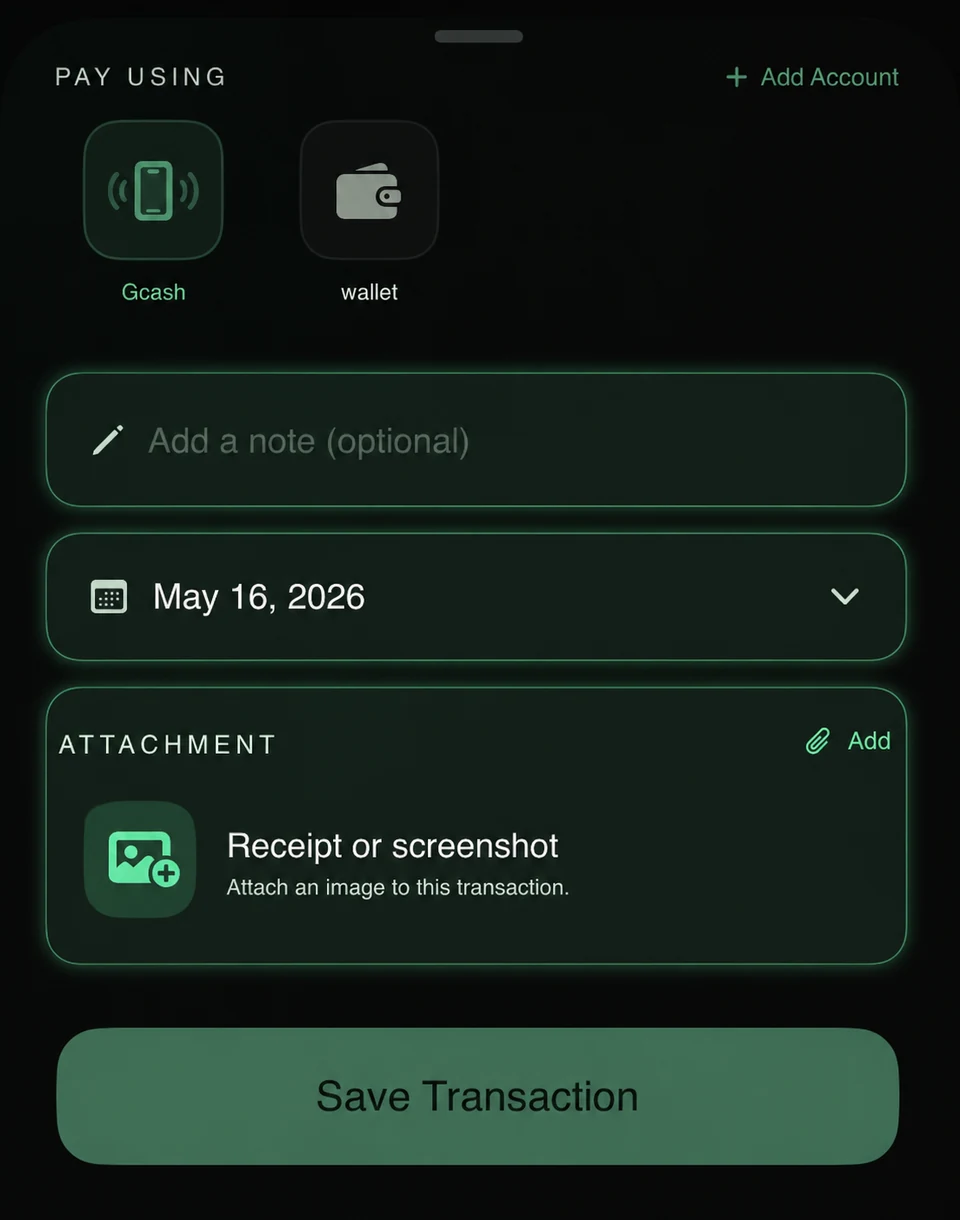
Optionally add a note, change the date, or attach an image.
-
Step 07
Tap Save Transaction.