← All tutorials
Everyday tracking · 6 steps
Customize categories
Make your categories reflect the way you spend.
Select any screenshot to view it at full size.
-
Step 01
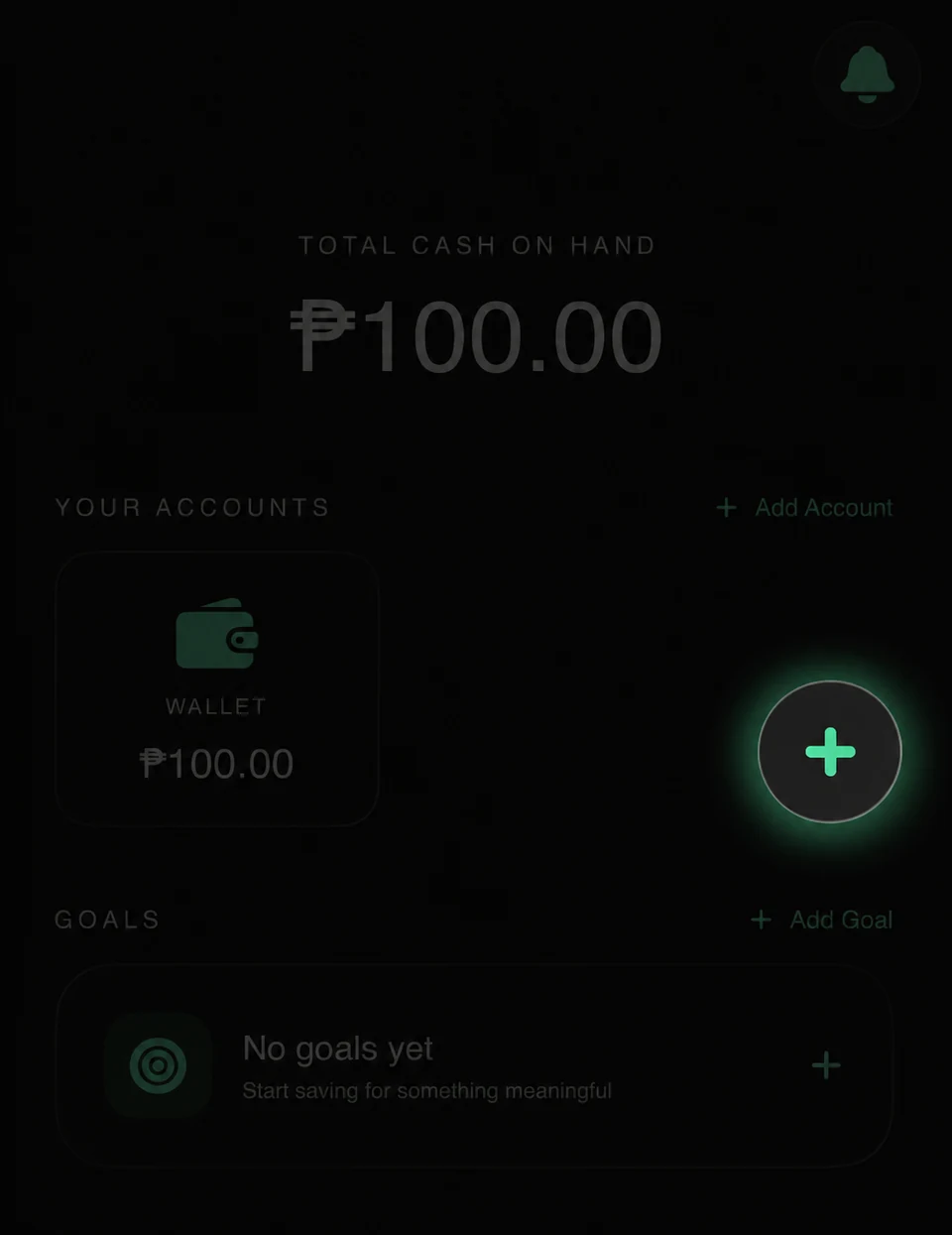
Long press the floating + button to open the full transaction form.
-
Step 02
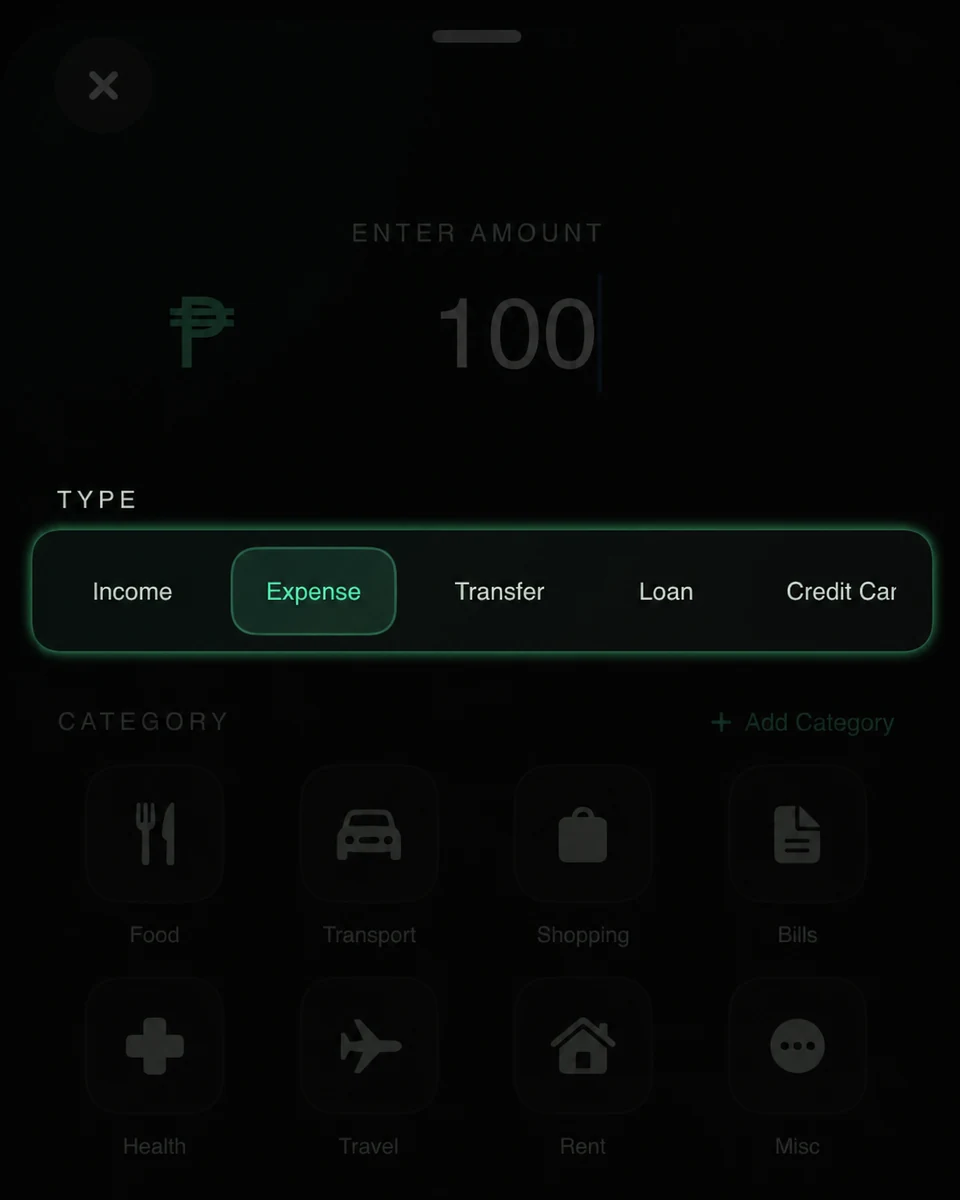
Select Expense to view categories.
-
Step 03
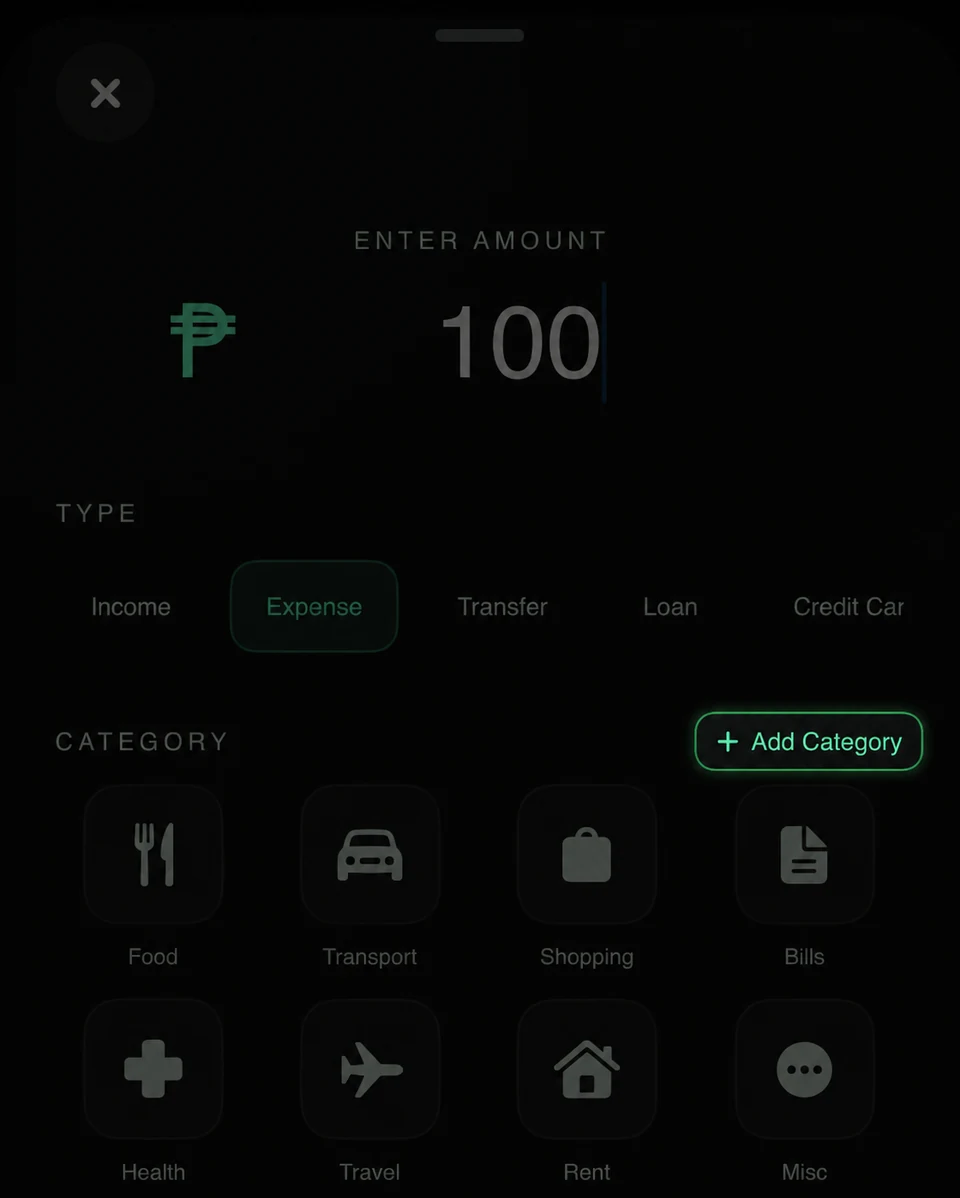
Tap + Add Category.
-
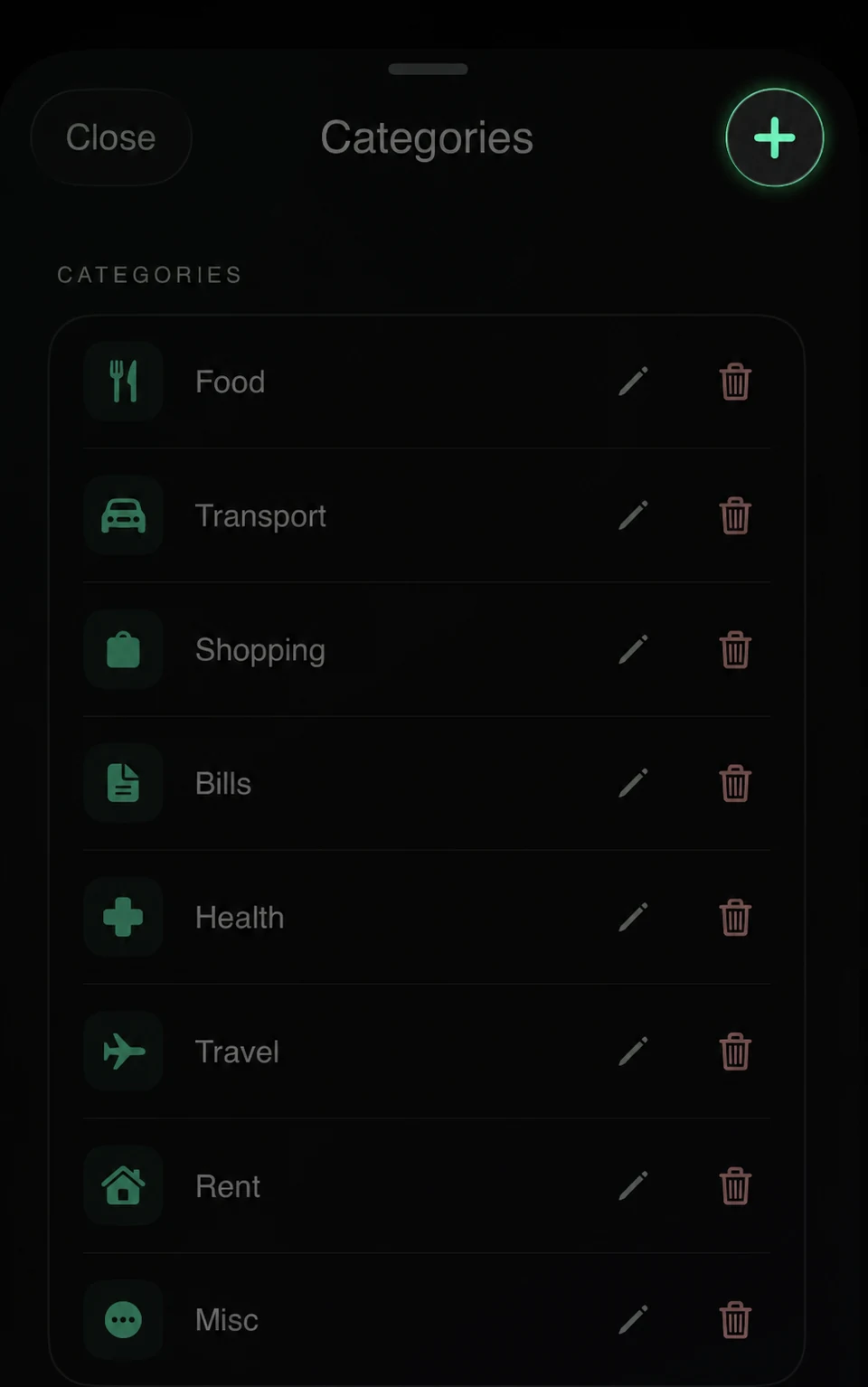
Step 04
Tap the + button.
-
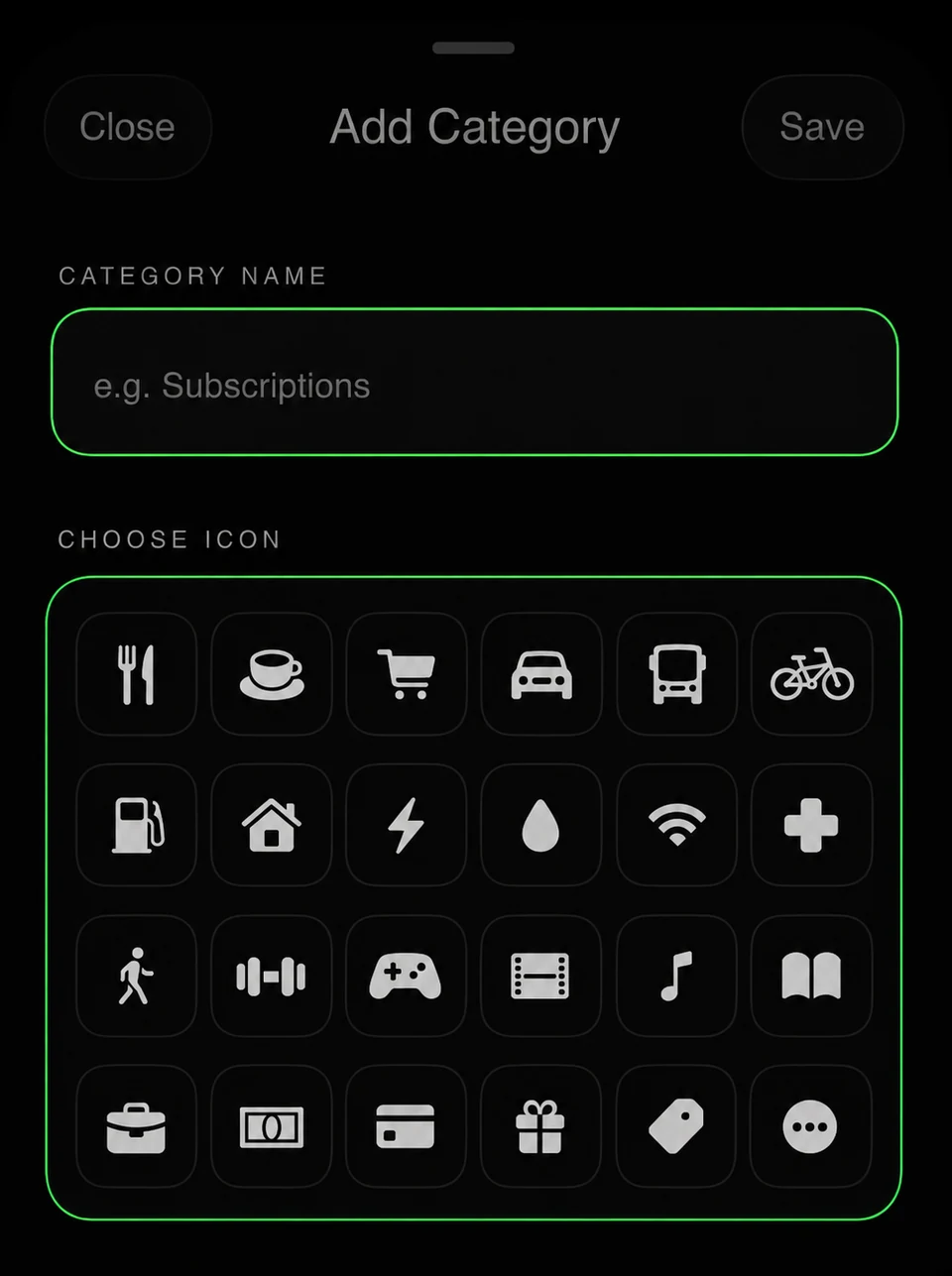
Step 05
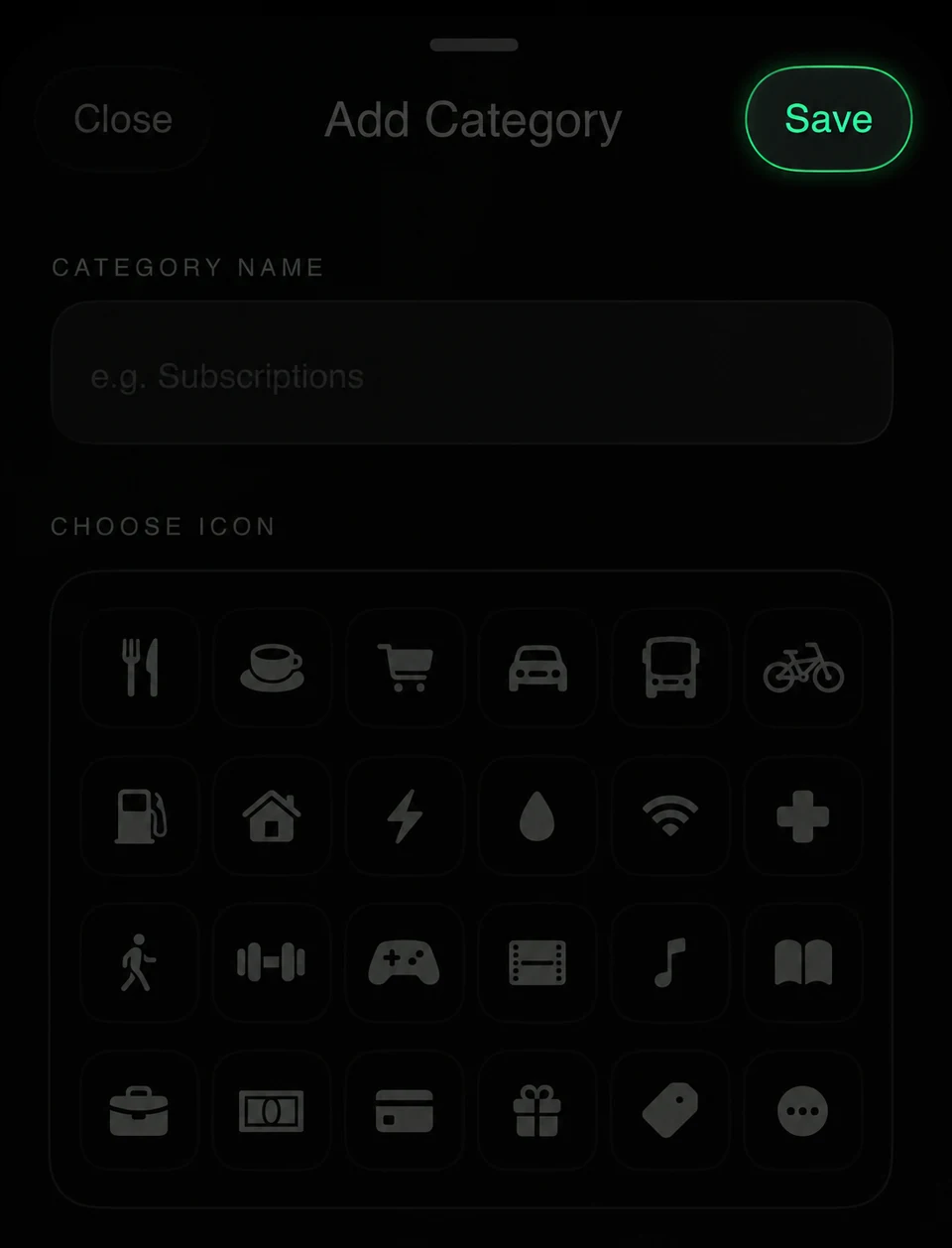
Enter a custom name and choose your preferred icon.
-
Step 06
Tap Save.