← All tutorials
Your data · 6 steps
Back up or export data
Save a full backup, restore your records, or export a CSV.
Select any screenshot to view it at full size.
-
Step 01
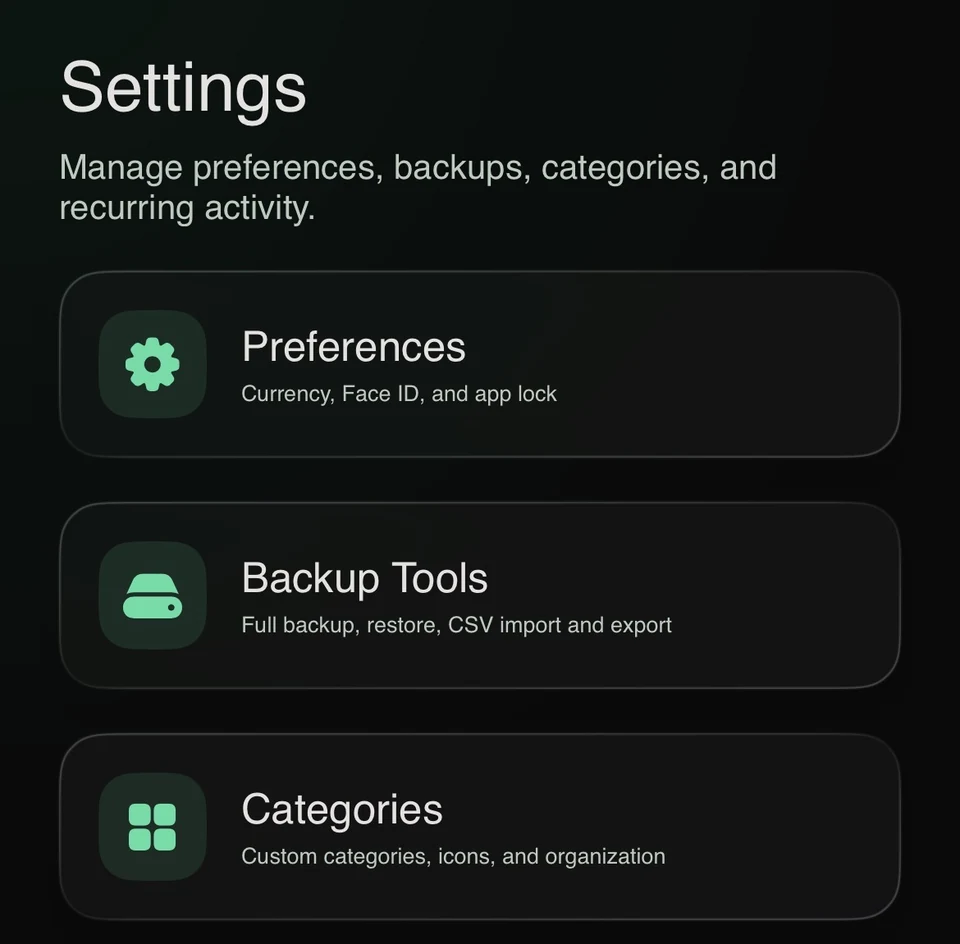
Go to Settings.
-
Step 02
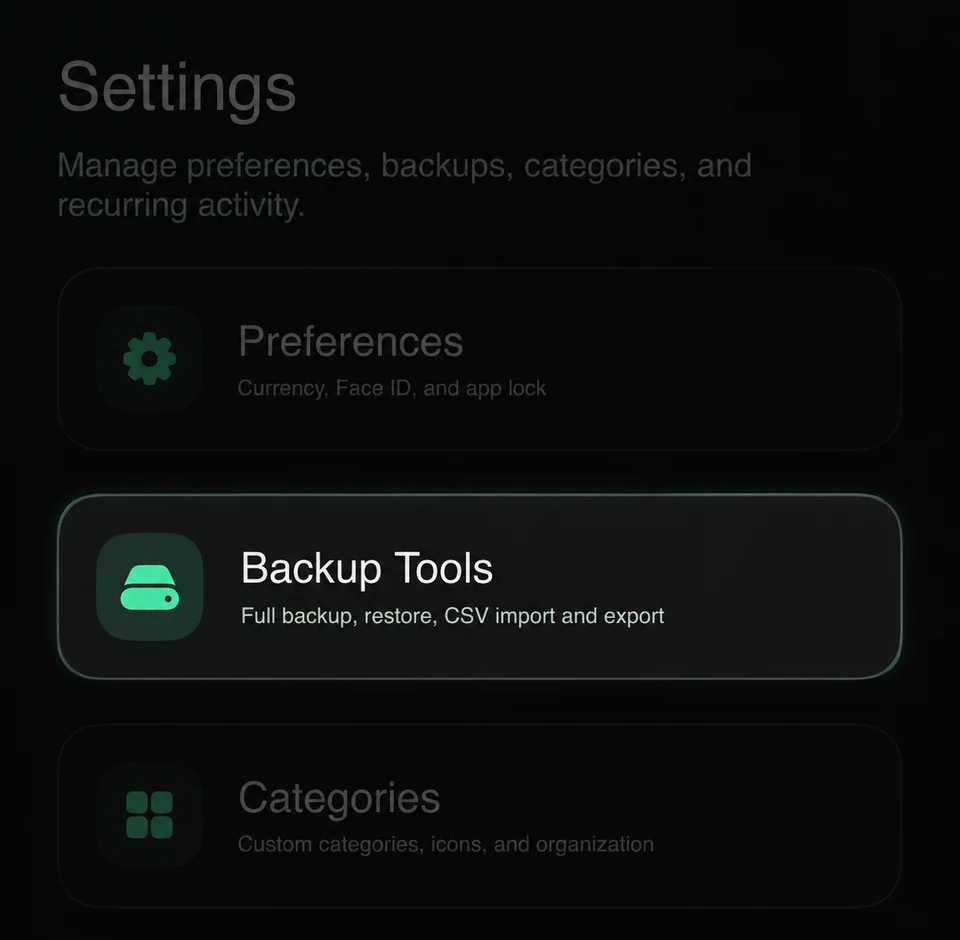
Open Backup Tools.
-
Step 03
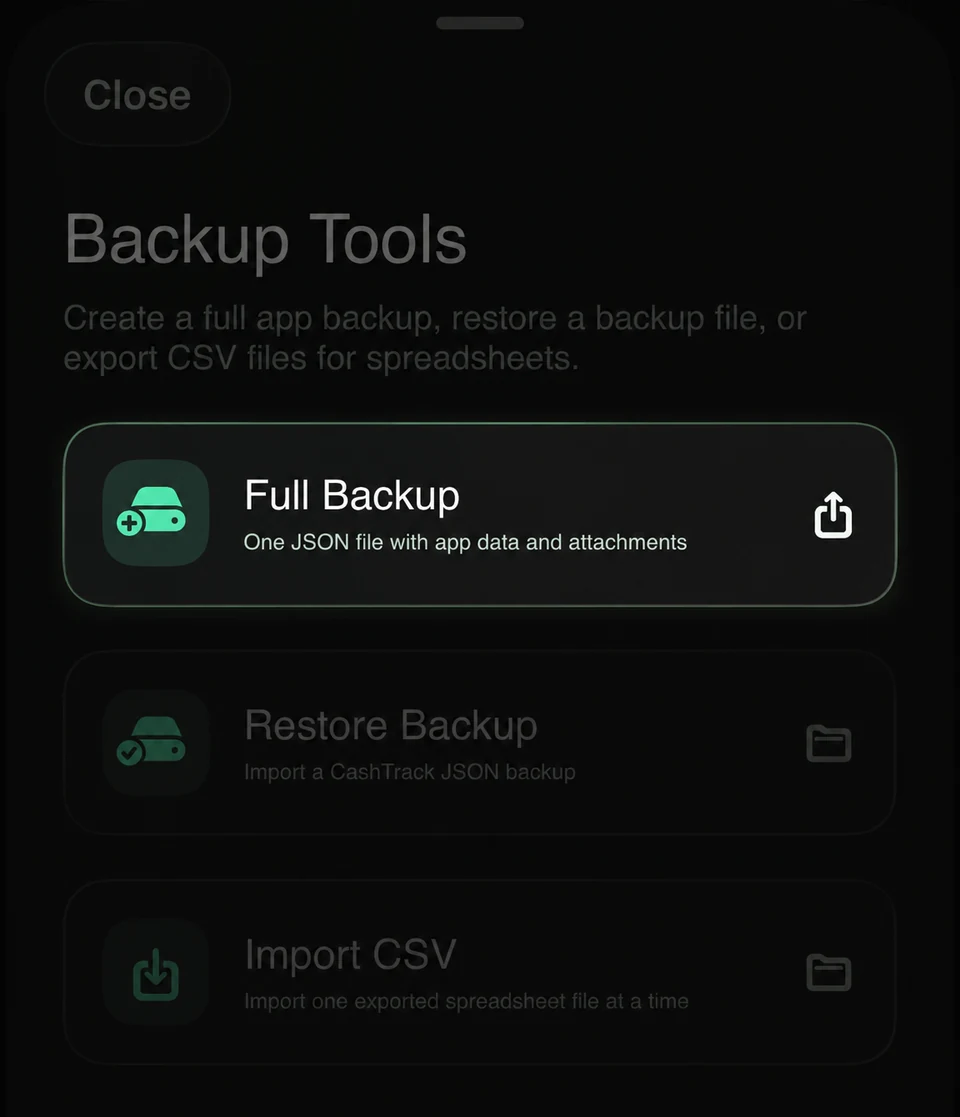
Choose Full Backup to save an importable copy of your Cashtra records.
-
Step 04
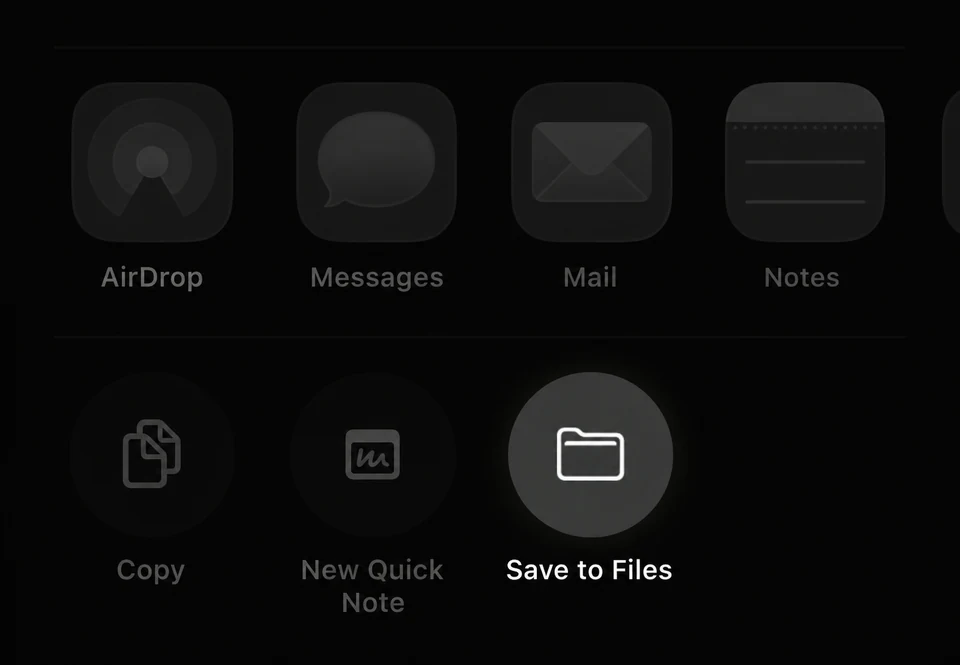
In the share sheet, choose Save to Files and select a location you can find again.
-
Step 05
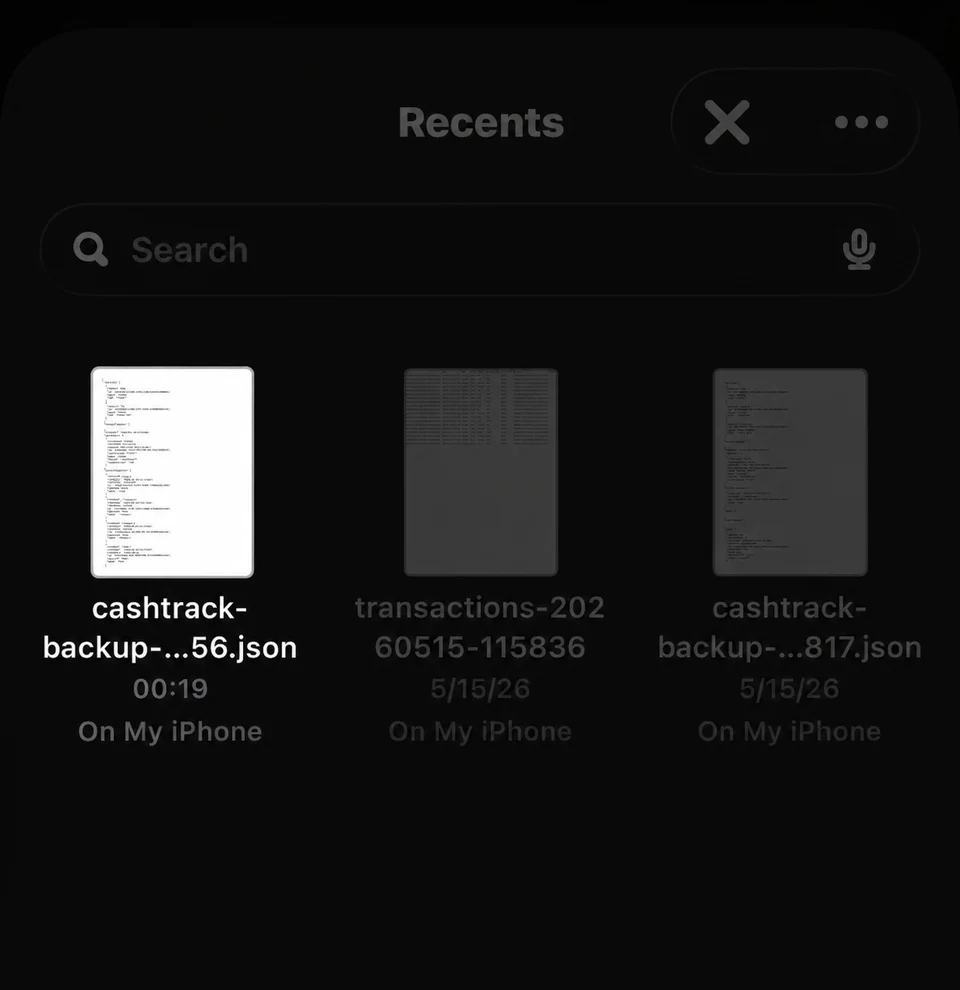
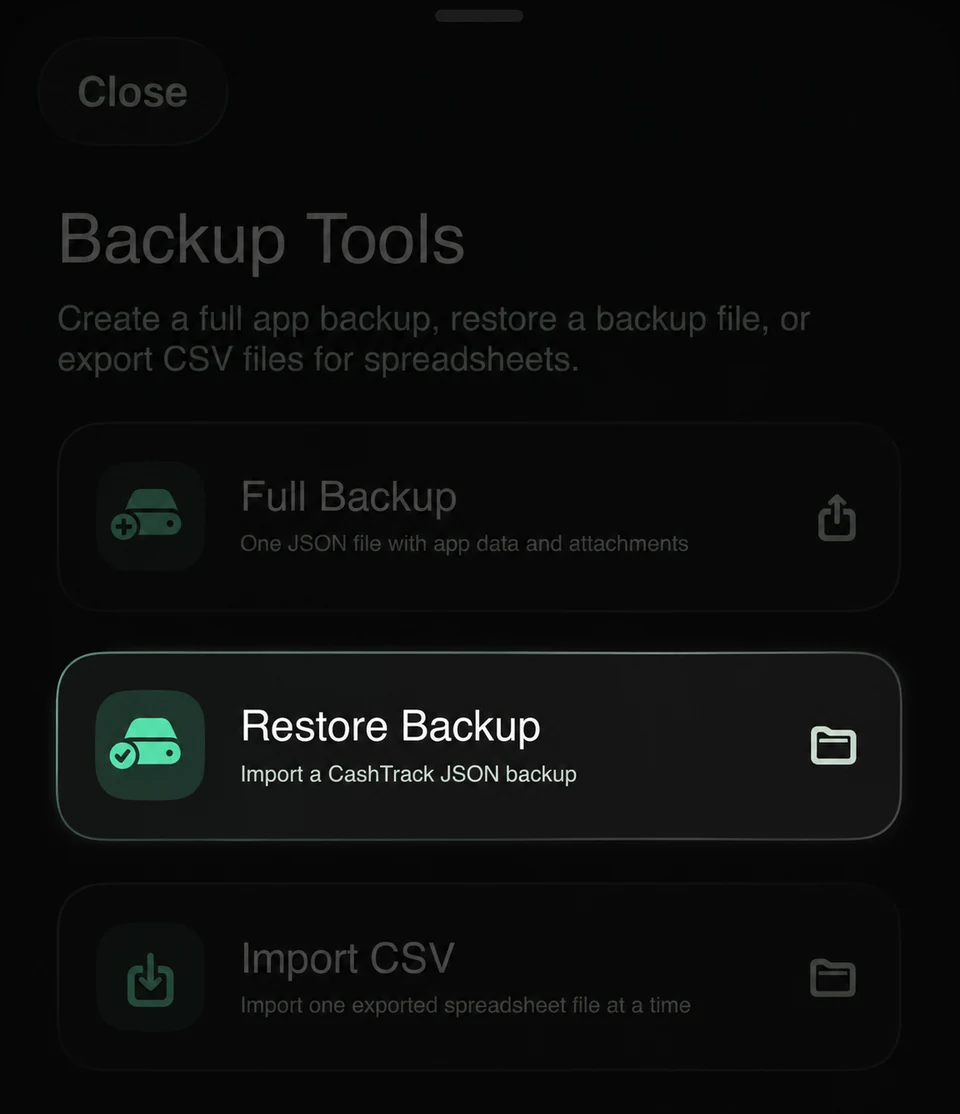
Tap Restore Backup when you need to recover data.
-
Step 06
Select the backup file.